Tools
REST API - X-Web Control
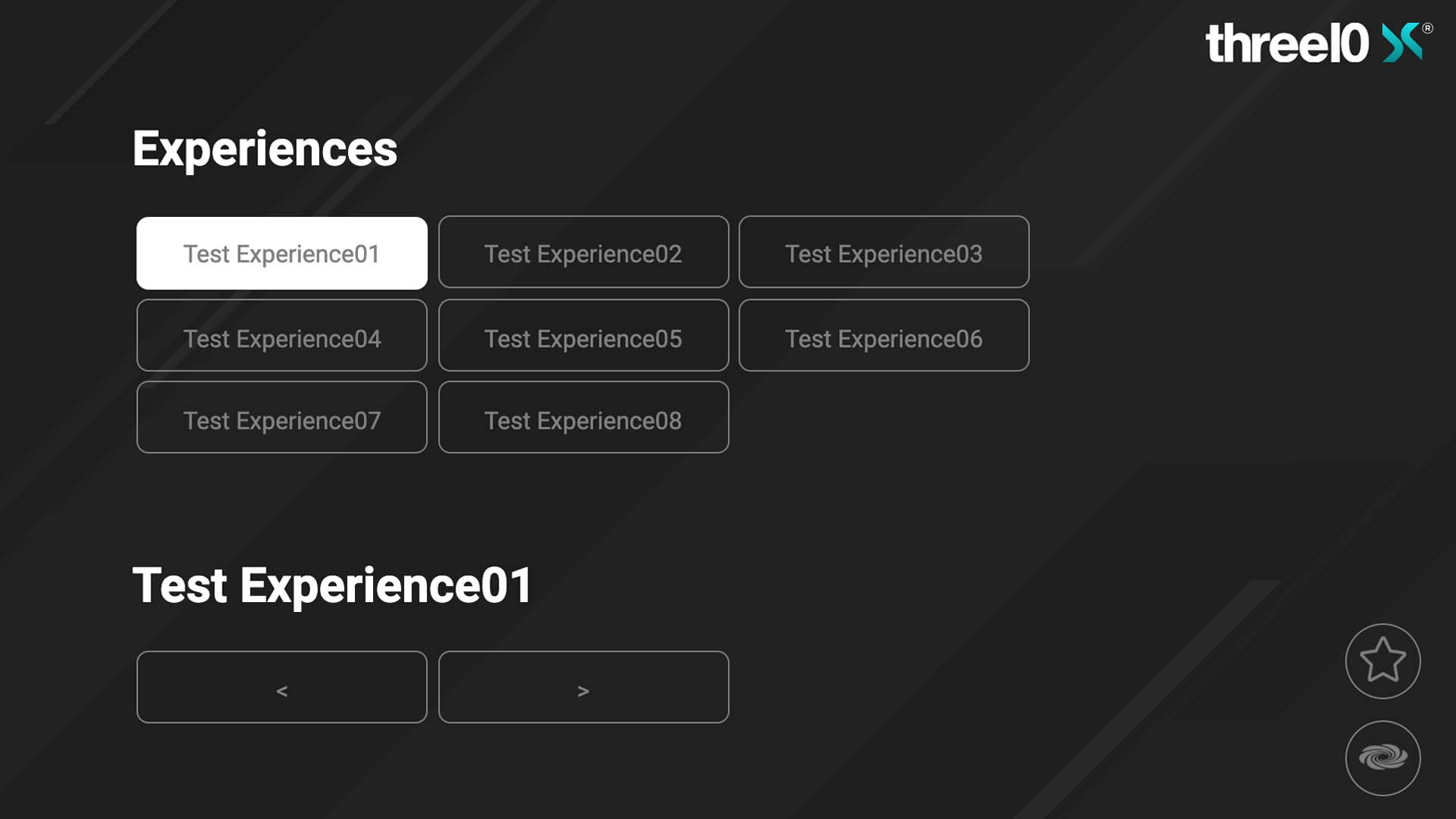
By activating the REST API in the X-Manager and setting up the X-Web Control server as a Windows service or standalone application, the following functions are made available via a browser (default port: 9697):
- Sort Experiences by
Favoriten-Status - Loading and exiting an Experience
- Switch slides back and forth (once an experience has been loaded)
- Displaying the Crestron X-Panel (Optional: only possible if a Crestron is integrated)
X-Service Tool
The X-Service tool can be used to start/stop X-Creator instances remotely in order to centrally control all X-Creators in an Environment (default port: 9698). Furthermore, a watchdog can be activated to automatically restart the X-Creator in the event of a crash. Log and crash files of all X-Creators can be downloaded via the 'Log' button.
X-Stream
With X-Stream, the screen content of a computer can be transferred via NDI® and displayed as a Layer in the X-Creator. In addition, the X-Creator can also be used to control the mouse and keyboard of the computer on which X-Stream was started.
After installation, there is a shortcut to the application on the desktop that can be used to start X-Stream. When X-Stream is started, the icon appears at the bottom right of the taskbar and it starts to transfer the screen. Clicking with the right mouse button opens the menu that contains the following functions:
Stream
Shows the name of the stream being sent
Cast Display
Turns the transmission of the screen on or off
High Framerate
If this function is enabled, the screen is transmitted at 60 frames per second and otherwise at 30
Cast Sound
This means that the output sound of the computer can also be transmitted. The sound alone can not be transmitted, only in combination with Cast Display
Show Notifications
If this function is activated, Windows notifications are displayed when the stream is started, stopped or when the stream is received from an X-Creator
X-WebRTC
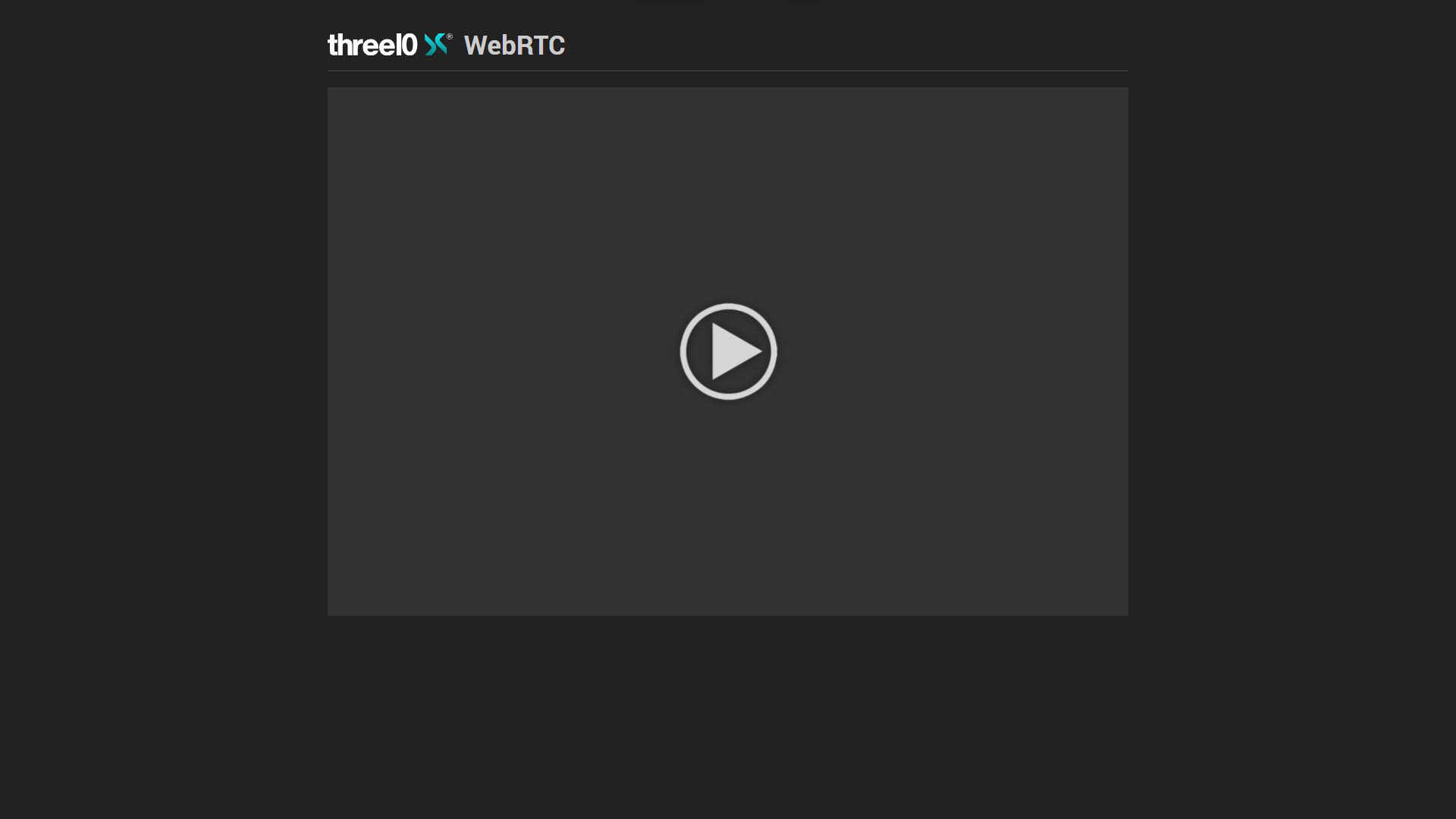
By activating the WebRTC module in the X-Manager for an X-Creator and setting up the X-WebRTC server, a video stream of this X-Creator can be displayed in a browser (default port: 8080).
If the module is configured to transmit audio, only the sound of Audio and Video Layers is supported. For Video Layers, Media Foundation must additionally be set for playback in X Manager.
- NDI® is a registered trademark of NewTek Inc.